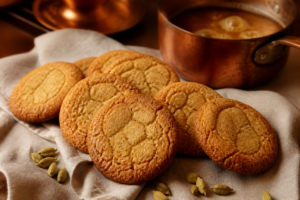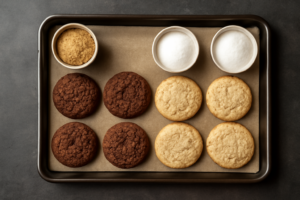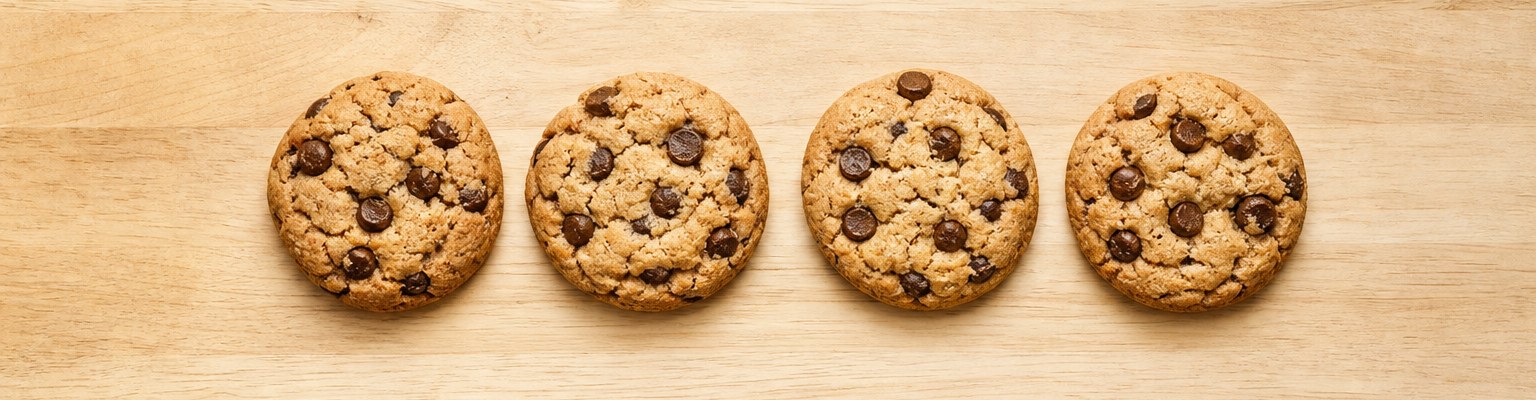
It was the third batch of snickerdoodles I’d burned in a single afternoon, and I was ready to throw my oven mitt across the kitchen. I had followed the recipe exactly — 375°F, 10 minutes, middle rack — yet every single cookie came out dark on the bottom with pale, underdone centers. This is the cookies burn oven temperature baking trap that nobody warns you about, and I spent the better part of 15 years figuring out exactly why it happens. The short answer? Your oven is lying to you. The longer answer is what this post is all about.
I’ve tested over 300 cookie batches in my home kitchen since I started documenting recipes seriously back in 2009. Across three different ovens, dozens of cookie recipes, and more pounds of butter than I care to admit, one variable kept sabotaging me more than any other. It wasn’t my flour measurement. It wasn’t my chilling time. It was the single most overlooked piece of kitchen equipment: a reliable oven thermometer. Once I understood what was actually happening inside my oven, everything changed.
In this post, I’m going to break down exactly why oven temperature discrepancy ruins cookies, how to diagnose your specific oven’s behavior, and what I do now to guarantee consistent results every single time. If you’ve ever pulled a “perfect” batch out of the oven only to find burned bottoms, this one’s for you.
Why Oven Temperature Is the #1 Reason Cookies Burn
Most home ovens run 25°F to 50°F hotter or cooler than the dial says. I know that sounds dramatic, but it’s genuinely that common. I tested five ovens over the past several years — my own and those of four friends I bake with regularly — and not a single one was accurate. One ran 47°F hot. Another cycled between 320°F and 410°F even when set to 350°F. That kind of temperature swing is catastrophic for cookies, which operate in a narrow thermal window where precision matters enormously.
Here’s the science behind it. When you set your oven to 350°F for chocolate chip cookies, you’re relying on a very specific sequence of reactions: butter melts and spreads, sugar begins to caramelize, egg proteins set the structure, and the Maillard reaction creates that golden-brown color and nutty flavor. Each of those reactions has a temperature threshold. Push even 30°F past them, and you’ve crossed the line from “golden” to “burned” before the center ever has time to cook through.
In my experience, burned cookie bottoms specifically — with pale tops — almost always point to one of two culprits: a hot oven or a hot spot near the heating element. That bottom scorching happens because the lower element cycles on hard, sending a surge of radiant heat directly into your baking sheet before the air temperature around the cookie even registers the change. Your oven’s built-in thermostat often can’t respond fast enough to compensate.
How to Diagnose Your Oven’s Real Temperature
The first thing I tell every new baker who asks me why their cookies burn is this: stop trusting your dial and start reading your oven’s actual temperature. Diagnosing your oven takes about 30 minutes and one good thermometer, and it will save you dozens of ruined batches going forward. I learned this the hard way after batch 23 of my brown butter toffee cookies in the fall of 2017. I was convinced the recipe was broken. Turns out, my oven was running 38°F hot the entire time.
To map your oven accurately, place a thermometer in the center of the middle rack and preheat to 350°F. Wait a full 20 minutes — not the preheat beep, but 20 full minutes after that beep. Your oven cycles its heating element on and off to maintain temperature, and the first reading you get right after preheat is often the hottest point in that cycle. Record the temperature every 5 minutes for 20 minutes, then calculate the average. That average is your oven’s true operating temperature at that setting.
Next, test your oven’s hot spots by placing slices of white sandwich bread across the entire rack. Bake at 350°F for 10 minutes and check the color variation. I did this test in my current oven and found a pronounced hot spot in the back-right corner — roughly 30°F hotter than the front-left. That information changed how I rotate my pans and where I position my baking sheets entirely. Specifically, I now rotate every batch at the 6-minute mark without exception.
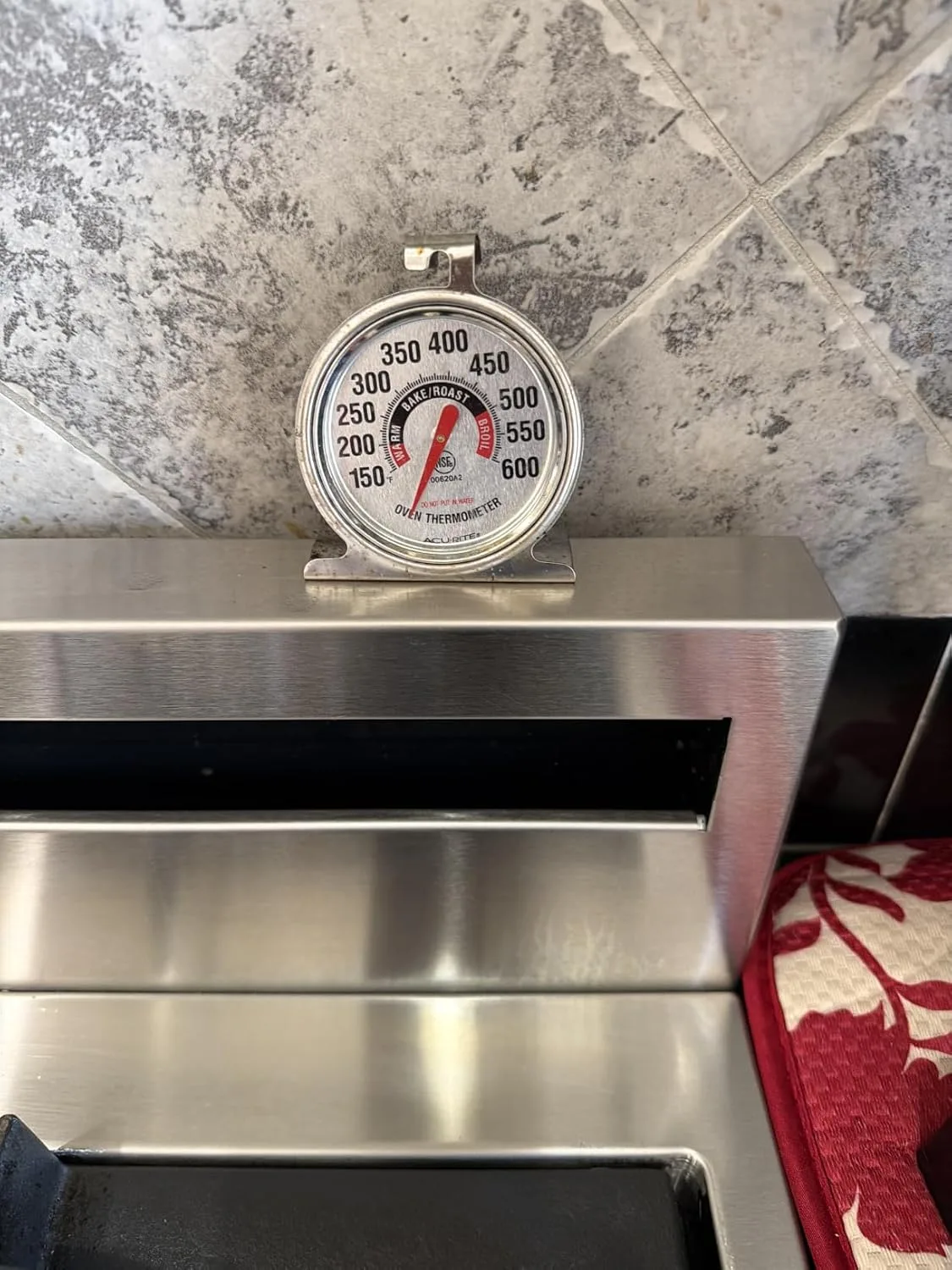
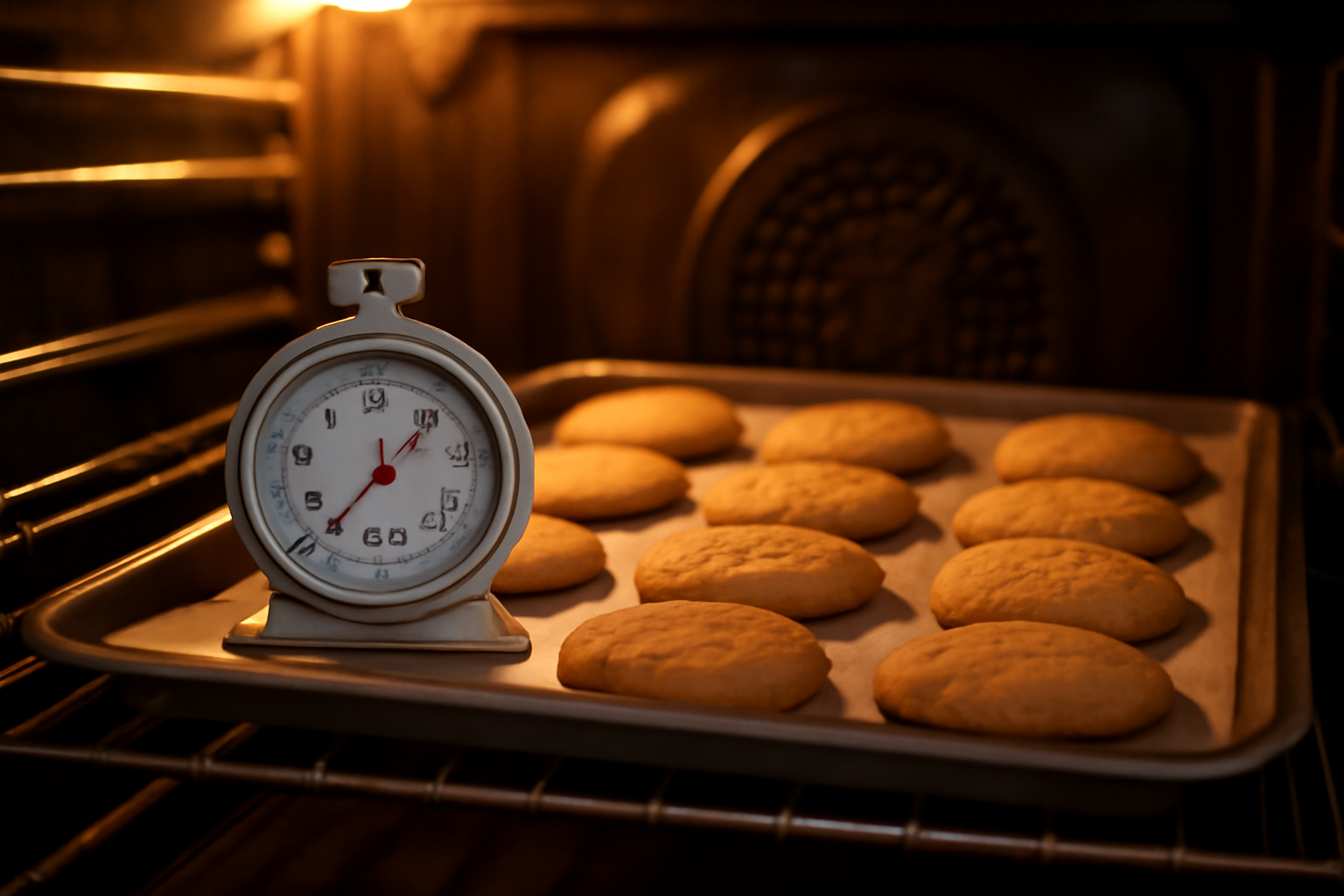
The Thermometer That Finally Stopped Me From Guessing My Oven’s Temperature
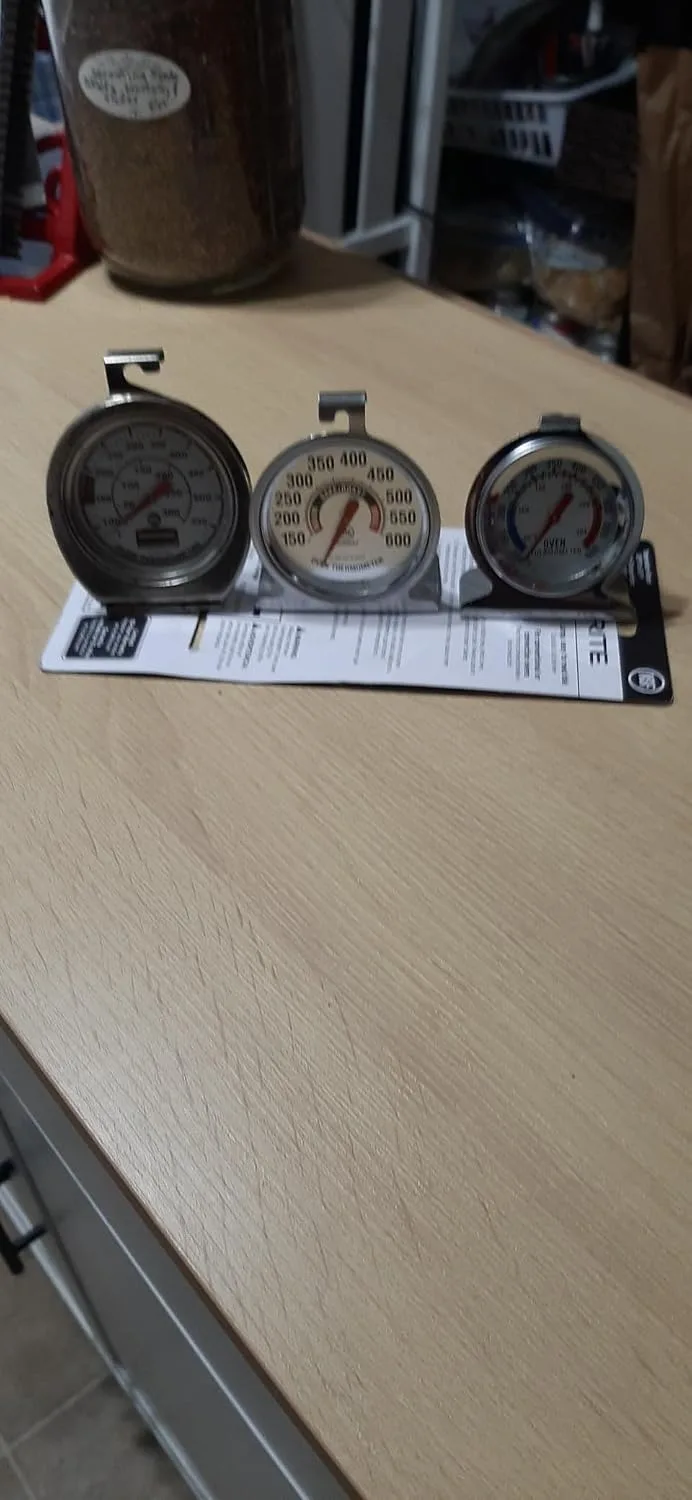
After years of burned batches and inconsistent results, I realized my oven’s built-in display was off by nearly 25 degrees—and I had no way to know it without actually measuring the heat inside. An oven thermometer isn’t glamorous, but it’s the single most revealing tool I’ve used in my kitchen.
What works
- The reading is visible at a glance through the oven window—no opening the door and losing heat every time I want to check the actual temperature.
- It hangs easily on the middle rack exactly where cookies bake, so I’m measuring the temperature in the zone that actually matters, not somewhere near the heating element.
- The dial is large enough that I can read it without my glasses from across the kitchen, and it’s been accurate and consistent across multiple ovens I’ve tested it in.
What doesn’t
- It takes up a small amount of rack space, so if you’re baking a large batch, you’ll need to remove it or work around it.
- The stainless steel gets hot to the touch, so you can’t grab it barehanded mid-bake—I’ve learned to use tongs or wait until the oven cools slightly.
I was skeptical that something this simple could change my baking life, but the moment I saw my oven was actually running 20 degrees hotter than the dial claimed, everything clicked into place. If you’re burning cookies while following recipes exactly, get the AcuRite 00620A2 Stainless Steel Oven Thermometer and find out what your oven is really doing.
This post contains affiliate links. As an Amazon Associate, I earn from qualifying purchases at no extra cost to you.